| META-INF | ||
| src/com/wakatime/intellij/plugin | ||
| .gitignore | ||
| AUTHORS | ||
| install.gif | ||
| LICENSE | ||
| README.md | ||
| WakaTime.iml | ||


jetbrains-wakatime

WakaTime is an open source Jetbrains plugin for metrics, insights, and time tracking automatically generated from your programming activity.
Supports Jetbrains IDES:
Android Studio, AppCode, CLion, DataGrip, GoLand, IntelliJ IDEA, PhpStorm, PyCharm, Rider, RubyMine, & WebStorm.
Installation

-
Inside your IDE, select
Preferences->Plugins. -
Search for
WakaTime. -
Click the green
Installbutton. -
Re-launch your IDE.
-
Enter your api key in
Tools -> WakaTime API Key, then clickSave. -
Use your IDE and your coding activity will be displayed on your WakaTime dashboard.
Screen Shots
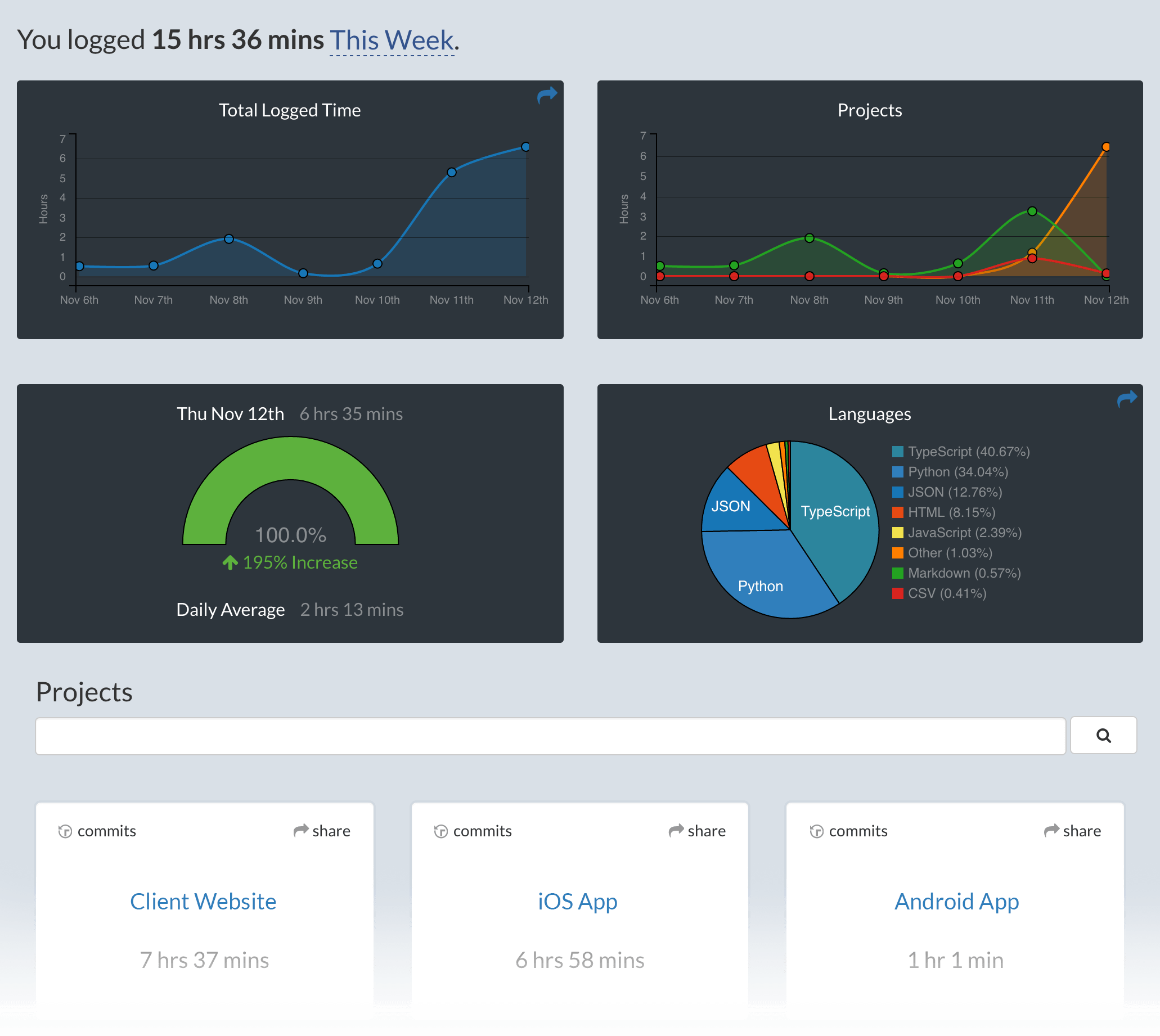
Configuring
WakaTime for Jetbrains IDE's can be configured via Tools -> WakaTime Settings.
For more settings, WakaTime plugins share a common config file .wakatime.cfg located in your user home directory with these options available.
Uninstalling
Inside your IDE, select Preferences -> Plugins, then find the WakaTime plugin. Click Uninstall. Then delete your ~/.wakatime.cfg config file.
Troubleshooting
First, turn on debug mode from File -> WakaTime Settings. Then restart your IDE.
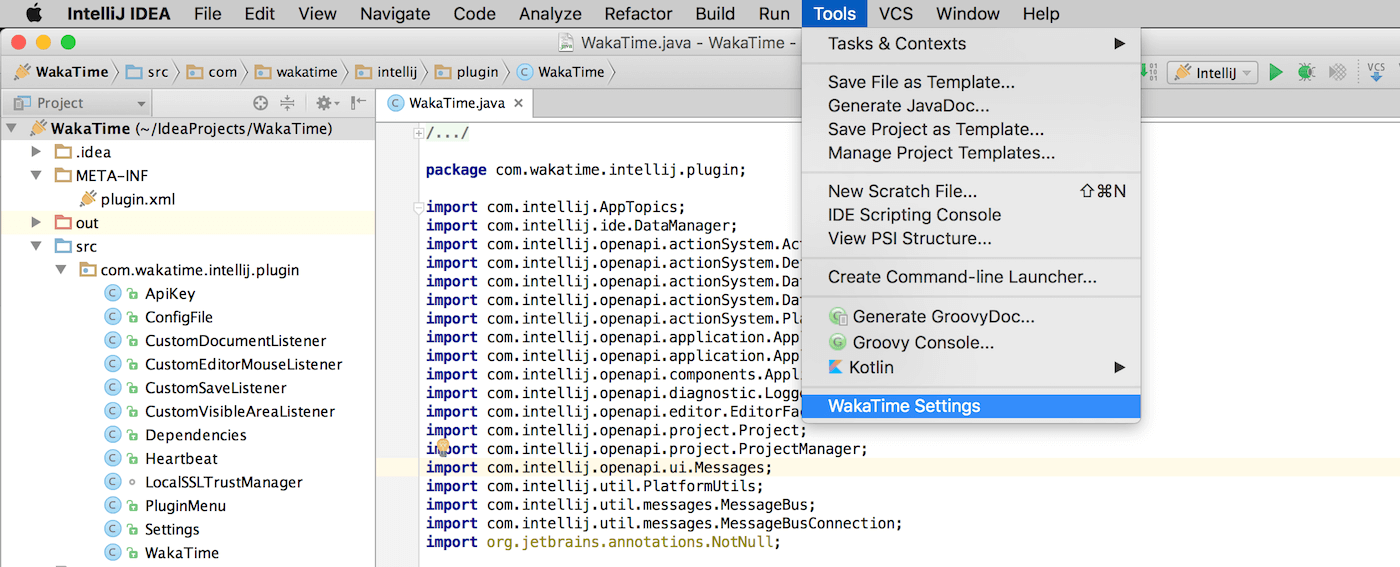
Now, look for WakaTime related messages in your idea.log file:
Help -> Show Log ( Locating your idea.log file )
If the plugin was not loaded, you won't have a WakaTime Settings menu.
In that case, add this line to your ~/.wakatime.cfg file:
debug = true
(C:\Users\<user>\.wakatime.cfg on Windows)
For more general troubleshooting information, see wakatime/wakatime#troubleshooting.